Existing and potential Visio user products
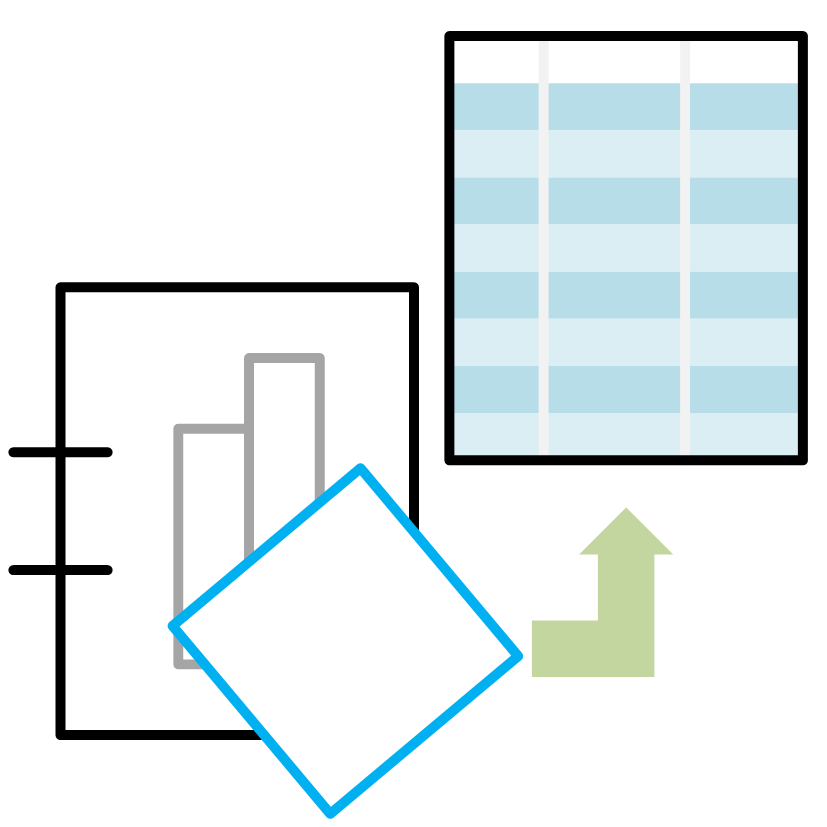
Shape Report Converter
Shape Report Converter is an add-in for Excel that converts an exported Visio Shape Report to a table.
Once a Shape Report range has been converted to a table, then you can:
- Enhance the table with the Table Design ribbon
- Create more reports with Get & Transform Data
- Create infographics with Charts
- Use as a source for Visio Visual in PowerBI

SS Plus
Microsoft Visio Plan 2 has a cool, but flawed, feature called Slide Snippets. SS Plus is an add-in for Visio Plan 2 that makes the automatic creation of PowerPoint presentations from Visio a reality.

LayerManager
Microsoft Visio has perhaps the most flexible layering system of any drawing package, but with that comes complexity. LayerManager is an add-in for Visio that allows you to tame that complexity with groups and named sets of layers that can be controlled with on-page buttons or a dockable window.

visViewer 4th edition
Microsoft Visio is a most useful and versatile diagramming application that has the ability to include information with every single item. Although Microsoft Visio is inexpensive, and widespread, there are, unbelievably, still some people who need to see Visio documents but do not have the actual application available.

Metro Icons
Microsoft have unleashed a new exciting, interface paradigm on the world with Windows 8. The Microsoft Design Language (formerly referred to as the Metro UI) puts data to the forefront.
You can now add Metro style icons to your Visio diagrams with over 1,700 different vector SmartShapes split into 19 different stencils.

Rules Tools
Add an interface to create and edit Validation Rules in Visio

multiSelect
Increase your productivity by adding many extra selection actions to Visio

pdSelect
Increase your productivity by adding many extra selection actions to Pivot Diagrams in Visio

Multi-Language Text
Add multiple-languages text to a single Visio document.

Document Imager
Automatically create multiple image exports from Visio documents.

Learn Visio 2010+ from three MVPs
Each Visio 2010 MVP Session provides the understanding needed to get started using Visio 2010 and to solve a specific challenge or apply a specific feature or technique.

Explore the contents of Microsoft Visio 2013
Have you ever wondered what is provided with each edition of Visio? The master shapes in each stencil? The stencils in each template? The addons in each edition? eXplore Visio answers all these questions, and lists a number of on-line resources and publications to further your knowledge of Visio.